



Save the spark.
Paste a link, drop in a photo or record a thought. Give the things you want to come back to a place to land.
Stashiro is a visual workspace for collecting references, building project boards and reusing saved content with its desktop clipboard manager and ChatGPT app.

Everything worth keeping. From everywhere you find it.
Stashiro is a visual workspace for your bookmarks, notes and ideas. Start with one thing. See where it takes you.
Paste a link, drop in a photo or record a thought. Give the things you want to come back to a place to land.
Arrange your cards, draw a connection and group related boards in a Space. Follow your train of thought.
Compare a shortlist, shape a project or plan a trip. Invite someone to view, add sources or work alongside you.
Room for the details. Space for the bigger picture.
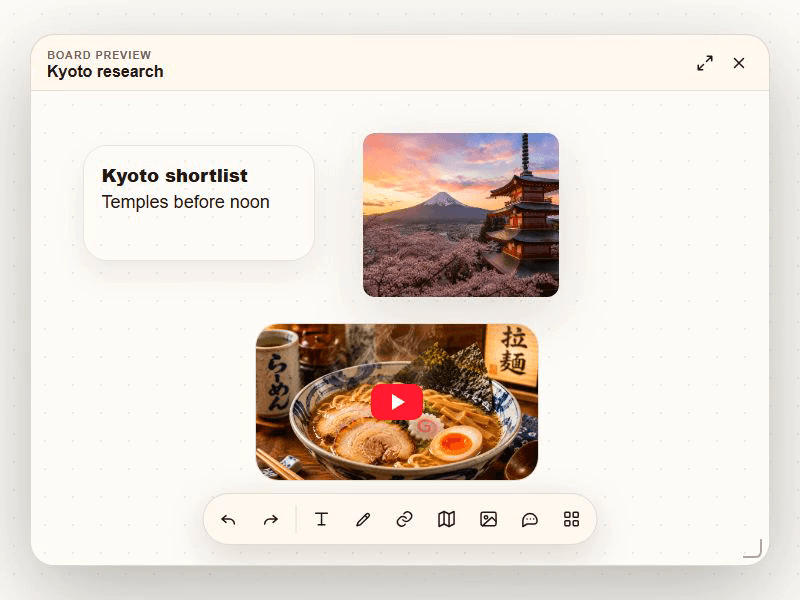
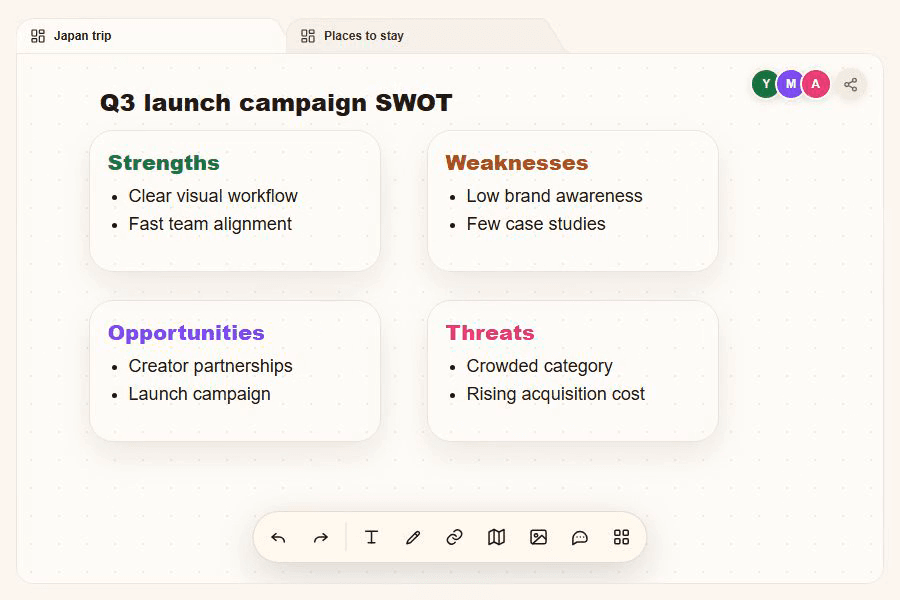
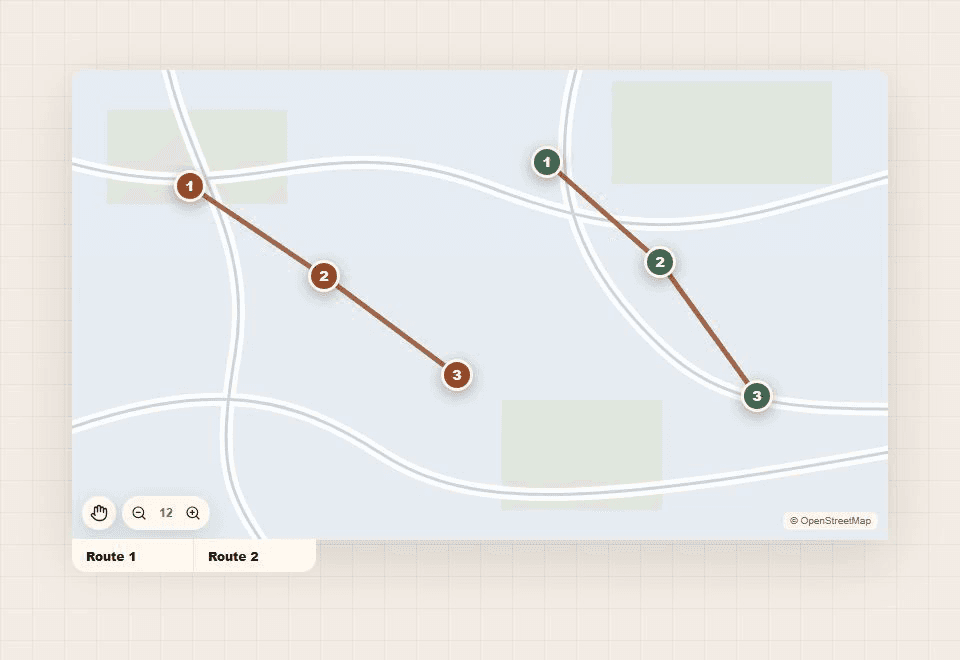
Made for the way you think
A collection becomes more useful when you can see what belongs together.
Gather references, colors and images. Put a direction in front of your team.
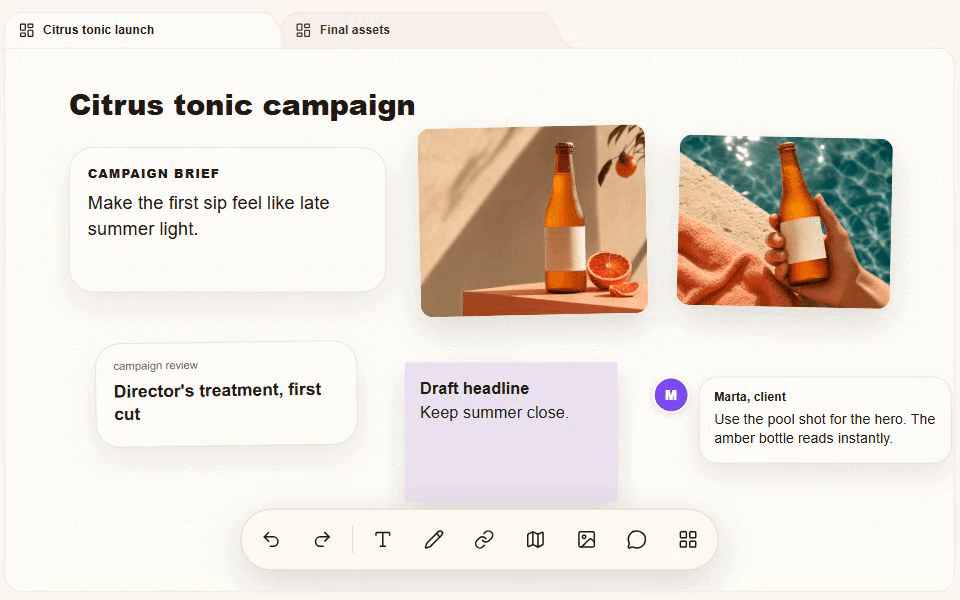
Bring sources, observations and questions into the same view.
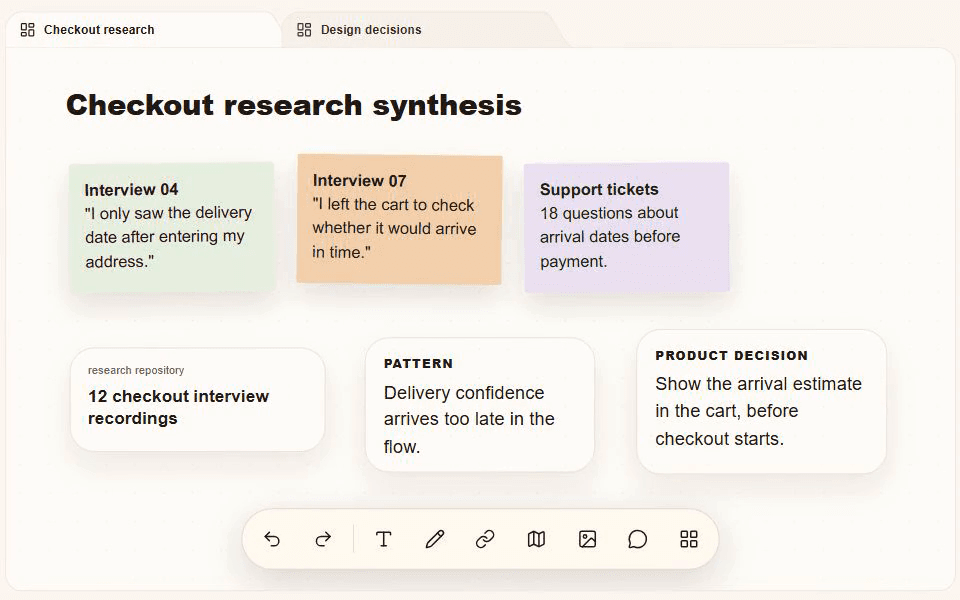
Lay out scenes, notes and references. Move the pieces until the story feels right.
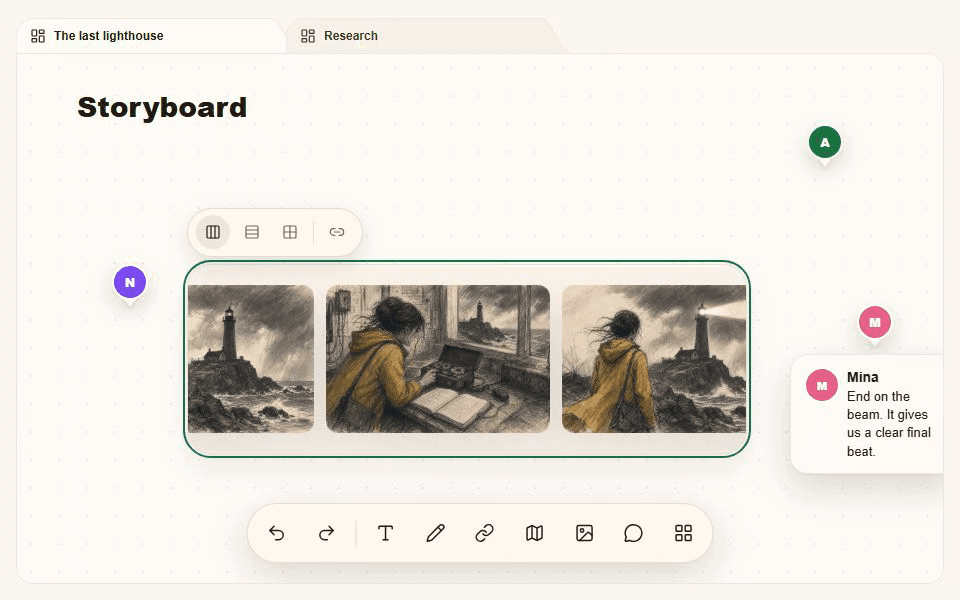
This is a real Stashiro board.
Move a card, add a note, follow a thought.
No account needed. Open full screen to keep this preview as a local board in your browser.
Bring content into your cloud boards from your browser, your phone and compatible AI tools.
Save pages with the Chrome extension. Choose a board and find your links in its queue, ready to arrange.
Add to ChromeConnect Telegram to send links, images and voice notes into your Stashiro cloud boards.
See how Telegram saves workStashiro is available in the ChatGPT app directory. Find saved references, save selected answers and work with your visual boards from the conversation.
Use Stashiro in ChatGPTCloud sync, collaboration, the Chrome extension, Telegram and AI tools require a paid account. Local boards work in your browser without an account.
Desktop app · Available in beta
That useful quote. The link you copied before the next one replaced it. Stashiro for desktop gives your clipboard a memory, and your ideas a place to go.
Find copied text, links and images in your history. Keep favorites, sync a chosen copy across devices, or send it straight to a board. Available for Windows and Apple Silicon Macs with a paid Stashiro account.
Explore the desktop app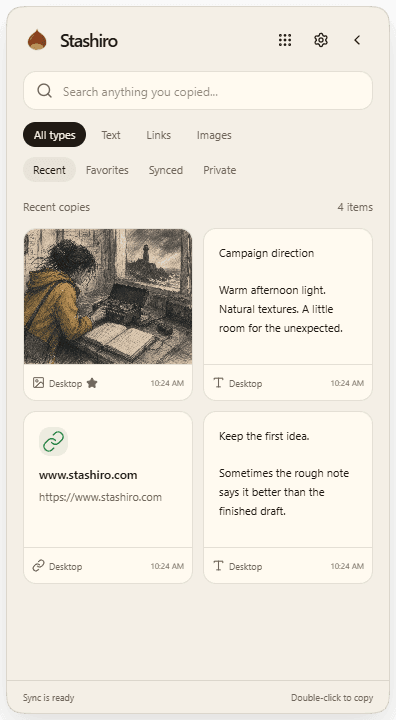
Pricing
Cloud sync from 3.99 USD/month, billed annually. No signup required to try a local board. Cloud plans cover backup, sync, and browser extension access. Eligible new subscribers worldwide get a 14-day trial with a card. Cancel before the trial ends to avoid the first charge.
3.99 USD /mo47.88 USD billed annually
7.49 USD /mo89.90 USD billed annually
9.16 USD /mo109.90 USD billed annually
Your feedback
Stashiro is still early. Tell us what's working, what's confusing, and what you'd love to see next. Every note helps us prioritize.
A few things you might be wondering
What you can save, how your boards work, and what comes with a cloud account.
Stashiro is a visual workspace and bookmark manager. Each Space groups related boards where you can arrange links, notes, images, audio, maps, product pages, social posts, and videos on an infinite canvas.
Stashiro combines visual boards, a desktop clipboard manager for Windows and Apple Silicon Macs, an app available in the ChatGPT directory, and Telegram capture. Send selected copies or Telegram saves to a board, then use the connected ChatGPT app to find references and work with board content. These connected features require a paid Stashiro account; ChatGPT availability depends on your account and workspace settings.
Stashiro is available in the ChatGPT app directory. Connect the Stashiro app to find saved references, create and edit visual boards, and save selected conversation results as cards. Availability and allowed actions depend on your ChatGPT account and workspace settings. Check the Stashiro listing in ChatGPT for current access requirements. A paid Stashiro account is required for connected cloud boards. Custom MCP connections remain available for other compatible AI clients.
A Space keeps one interest, project, or plan together. Inside it, sibling boards separate different angles, such as research, inspiration, and a final shortlist, without losing their shared context.
Stashiro is built for creators, designers, planners, researchers, founders, and teams who collect references from many places and need to see the full context together.
Yes. You can try local Spaces and boards in your browser without signing in. Cloud sync, collaboration, file storage, AI features, and Chrome extension access are part of Stashiro cloud plans.
You can save URLs, YouTube videos, social posts, shopping products, travel pages, images, voice notes, text cards, post-it notes, drawings, maps, and AI-generated board drafts.
Stashiro combines saved web content, a desktop clipboard and connected AI chats with visual boards. Arrange references beside notes, connect related ideas and group boards into Spaces. Choose it when spatial context and a shared project matter to your workflow.
Guest Spaces and boards stay in local browser storage until you explicitly transfer them. Paid cloud plans add account-based backup, sync, collaboration, file storage, and access across devices.
Use the Stashiro app in ChatGPT to work with cloud boards and save selected conversation results. The Telegram bot saves links, photos and audio. For other compatible assistants, Stashiro also provides a custom MCP connection. You need a paid Stashiro account and must approve the connection's permissions.
Stashiro for Windows and Apple Silicon Macs keeps copied text, links and images in a desktop clipboard history. Find favorites, sync a selected copy across devices or send it to a board. Cloud storage, collaboration, desktop access, the Chrome extension, Telegram and connected AI tools require a paid Stashiro account.
Sync is a deliberate action on a selected copy. Your entire clipboard history is not automatically uploaded.