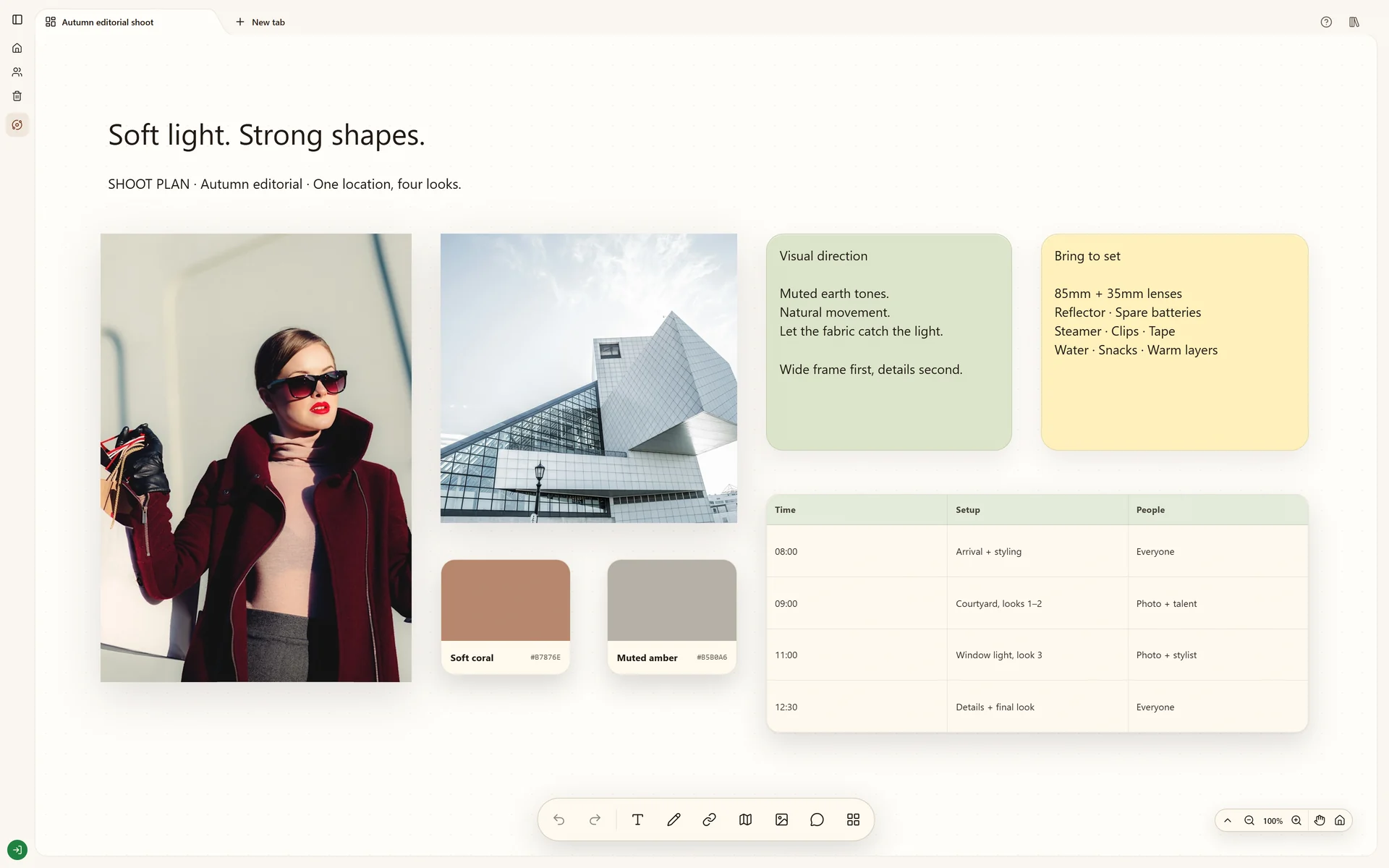
Prepare an editorial shoot with visual references, shot ideas and production notes in one board.
Start your own boardThe real Stashiro interface with illustrative project data. Offers, prices, interviews and reporting leads shown are fictional examples.
Why this board works
A shoot board lets the team understand the intended image before arriving on set. Keep visual references close to practical notes so a strong concept also has a workable production approach.
The shoot question
Agree on the intended framing, light and atmosphere before deciding the practical setup. This illustrative editorial board connects the visual idea to shot notes so creative and production discussions use the same references.
Criteria for visual references
Keep a reference because it explains a treatment the team can discuss: light direction, composition, wardrobe or a prop. Add what you intend to take from it, its source and practical constraints. A reference is an explanation, not an instruction to duplicate another photographer's work.
A direction and a feasible sequence
A useful review leaves a selected treatment, the shots needed and unresolved production details. Group references by setup to make the working sequence clear. Confirm availability, permissions and asset rights outside this illustrative board before the real shoot.
Build your version
Describe the intended result
Write the editorial idea and gather references for framing, light and atmosphere. Add a short explanation of what each reference contributes.
Prepare the shots
Group references by setup and place shot notes beside them. Use a table for the working sequence and notes for props or practical constraints.
Align the team
Share the cloud board with the people involved and clarify open questions through comments. Keep final references separate from the broader research within the same Space.
Try local boards without an account. They stay in this browser until you explicitly transfer them to your cloud account. Cloud storage, collaboration, desktop access, the Chrome extension, Telegram and connected AI tools require a paid Stashiro account.
Collect material as you work
Find copied text, links and images with Stashiro for Windows and Mac. Sync a selected copy across devices or send it to a visual board.