How can I use saved references in ChatGPT without losing the sources?
Connect the Stashiro app, name the cloud board and ask for its source links before asking for a summary. Check the answer against the original sources, then ask to save only the text and links you want to keep. Retrieved content is sent to the connected AI service; local boards and your entire clipboard history are not automatically included.
Open the Stashiro listing in the ChatGPT store and connect your paid Stashiro account. Review the permissions and select Stashiro for the conversation. The ChatGPT account and workspace must allow the app and the actions you need. Use the published app for ChatGPT; a manually configured MCP server is a separate setup path for other compatible clients.
Retrieve the references before drafting
On a cloud board you can access, keep source links beside your observations. Ask: "Find my Product research board and list its saved source links and notes. Do not change the board." Confirm that the returned board is the one you meant. Ask the assistant to keep source URLs with any claims it drafts; a saved link does not mean the complete linked article has been read.
Select the answer that belongs on the board
Review the draft, open the original sources and remove unsupported claims. Then ask: "Save the selected summary above as a note on my Product research board and add these source URLs as link cards. Leave existing cards unchanged." Specify the exact text and URLs when the selection is ambiguous. Review any requested approval and check the destination before a write.
Arrange the result and preserve uncertainty
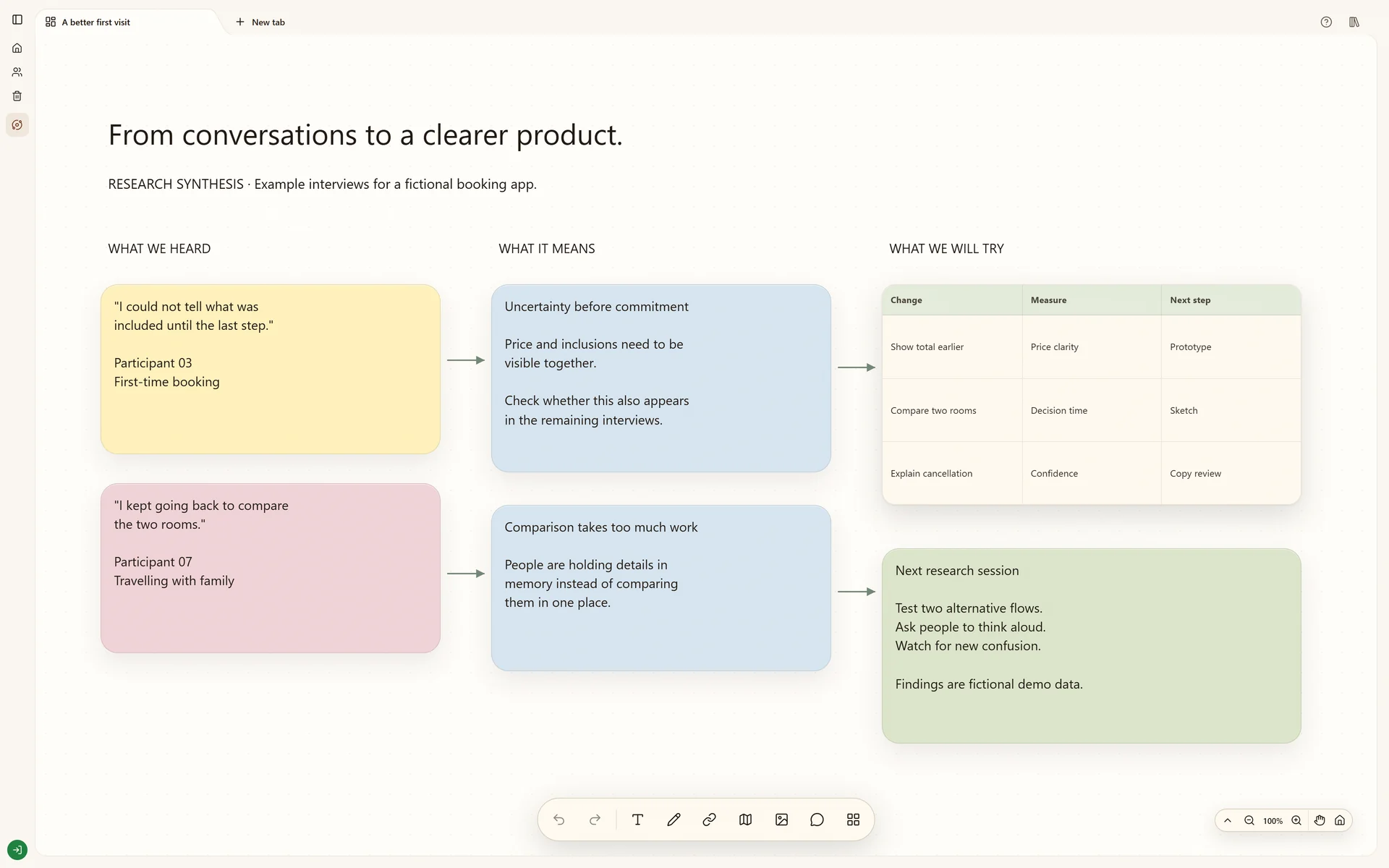
Open the board returned by the assistant. Read the new note, check the link destinations and place the summary beside the evidence it describes. Keep unresolved questions as notes instead of treating a generated summary as verified research. With editing access, a later request can create a separate board or update a specific card; ask for the exact change and review the result.
Bring a desktop reference into the same workflow
In the Windows or Apple Silicon Mac clipboard widget, choose a useful copied text, link or image and send it to your cloud board. You can then ask ChatGPT about the supported content on that board. This is a selected save: installing the app does not give ChatGPT automatic access to your entire clipboard history, other conversations or local browser boards.
Before you call it finished
The correct cloud board and permissions are selected.
Source URLs remain attached to the reasoning.
Original sources were checked before saving a conclusion.
Only the chosen answer and links are saved.
The resulting cards were opened and checked in Stashiro.
Start with the tools you need
Try local boards without an account. They stay in this browser until you explicitly transfer them to your cloud account. Cloud storage, collaboration, desktop access, the Chrome extension, Telegram and connected AI tools require a paid Stashiro account.