Roles for everyone
View, add sources or edit
Give each person the access they need: viewers read, contributors add material to the queue, editors change the board. Live presence shows who is on it.
See how agencies shareUse case for teams
Cross-functional teams put the goal, the references, the workstreams and the decisions of a project on one Stashiro canvas. Everyone sees the same picture, adds what they know and comments where the work is, instead of hunting through threads and folders.
A shared visual workspace is a canvas a whole team works on, where a project's goals, material and decisions are laid out in one view. Stashiro is a visual board for that work: notes, links, images, tables and comments on an infinite canvas, grouped into Spaces and shared with roles for each person.
It is the visual planning layer, not a full project management system. Keep detailed tasks, workload and reporting in the tool your company already uses, and keep the shared picture of the project on the board.
Create a Space with sibling boards for the brief, the material and the plan. Write the goal and what done looks like at the top of the first board.
Invite the team with the add sources or edit role. People paste links, drop images and record voice notes onto the board.
Group cards into containers per workstream or phase, with a table for owners and dates. Connect a decision to the cards behind it.
Walk through the board in a meeting, comment beside each card and keep the board as the record of what was agreed.
Roles for everyone
Give each person the access they need: viewers read, contributors add material to the queue, editors change the board. Live presence shows who is on it.
See how agencies shareComments in context
Comment cards sit next to the card they discuss, with the author's avatar, so feedback does not drift into another app.
See a board with feedbackEveryone can capture
On paid plans, teammates save pages with the Chrome extension and copies from the desktop app. On Plus and Studio, Telegram sends photos and voice notes.
See every way to saveA first draft from a prompt
On Plus and Studio, describe the project and Stashiro AI proposes goals, workstreams and next steps as cards to review and apply.
See Stashiro AILive collaboration
See teammates' cursors, follow recent activity and restore an earlier version of the board.
See agency boardsTasks on the board
Add tickets with an assignee and a due date and move them across a kanban beside the plan they come from.
See launch planningPlans are per person, and you invite people to each board with a role. Start on a free local board.
Free
No account. Boards stay in this browser until you transfer them.
4.79 EUR per month
Cloud boards without built-in AI.
8.99 EUR per month
Cloud boards with Stashiro AI.
10.99 EUR per month
Plus with more storage and AI credits.
Eligible new subscribers get a 14-day trial. Prices are shown in EUR; current prices, regional currencies and annual plans are on the pricing section.
Worked examples show the real Stashiro interface with fictional project data, and some include a starter board you can download and import. Templates open as a new board you can edit.
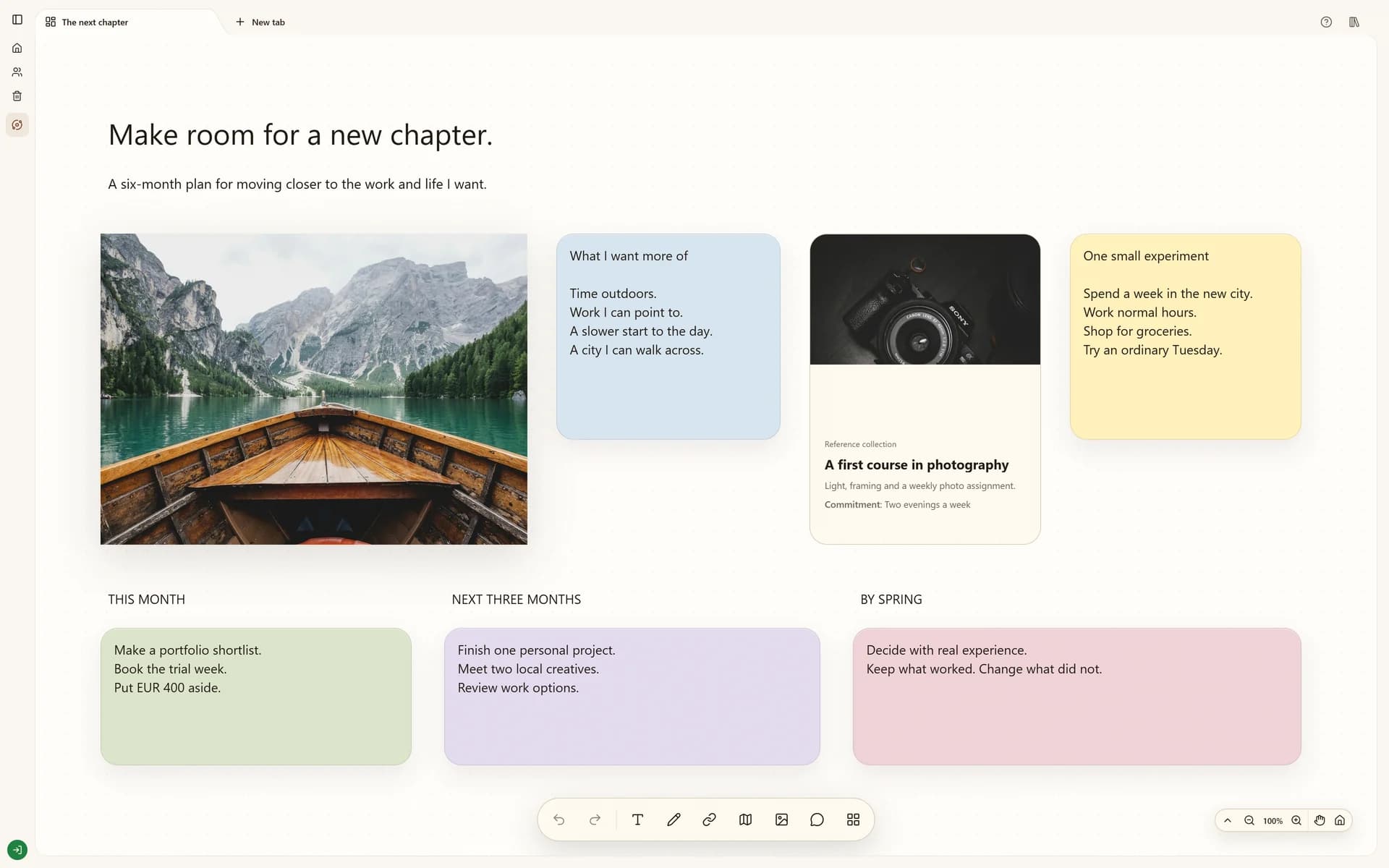
References, options and the next practical steps for a plan.
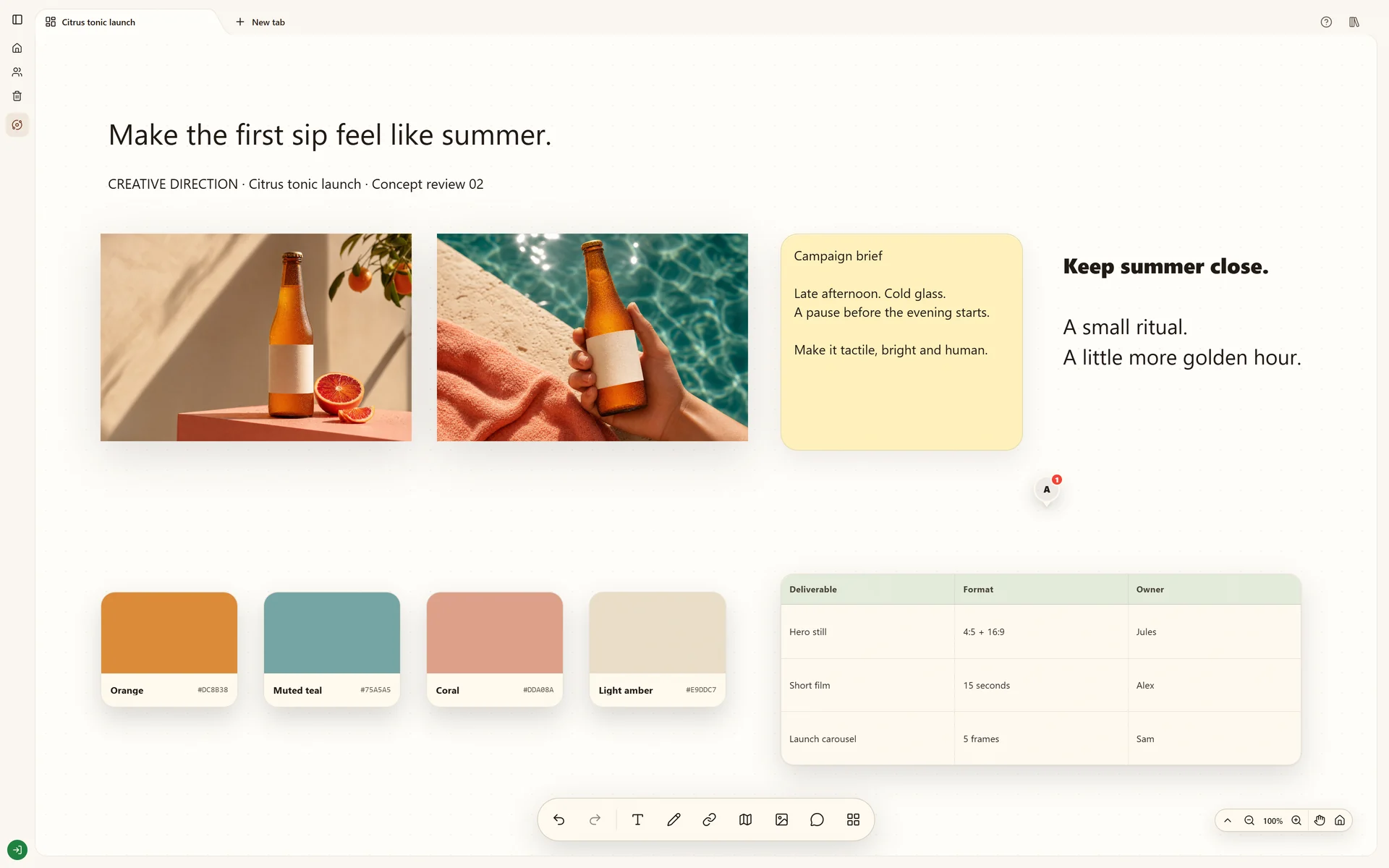
A creative direction with the campaign brief, visual references, copy ideas and feedback.
Agenda, notes, decisions and actions for one meeting.
Everything a new teammate needs in their first weeks.
Phases, milestones and owners for a project.
Miro has more workshop tools and integrations, Notion is better for wikis and databases, and Trello is a simpler task board with phone apps and a free plan. Here is where each one stands for team planning, including the rows where Stashiro is not the best pick.
| Need | Stashiro | Miro | Notion | Trello |
|---|---|---|---|---|
| Free-form canvas for images, links and notes | Yes | Yes | No | No |
| Built-in AI that drafts or edits the workStashiro AI lays out and edits boards on Plus and Studio, with a preview before anything is applied. | Yes | Yes | Yes | Yes |
| Works from ChatGPT or ClaudeAn app in the ChatGPT store and an MCP connection for Claude and other clients. | Yes | Yes | Yes | Yes |
| Real-time editing with live cursorsShared cloud boards show who is on the board and update live. | Yes | Yes | Yes | Partly |
| Tasks with an assignee and a due dateTo-do, ticket and kanban cards on the board. | Yes | Yes | Yes | Yes |
| Workshop tools such as timers and voting | No | Yes | No | No |
| Free cloud planFree boards stay in your browser. Cloud boards start at the Starter plan. | No | Yes | Yes | Yes |
| Native phone apps in the app storesStashiro runs in the phone browser, and the Telegram bot sends links, photos and voice notes to a board. | No | Yes | Yes | Yes |
| Large template libraryAbout 80 templates in 26 categories. | Partly | Yes | Yes | Yes |
Verdicts for other tools come from their official product, pricing and help pages. No means those pages do not describe the feature, not that we tested it. Each full comparison lists its sources.
Local boards are free and need no account, but they stay in one browser. Sharing a board with a team needs a paid cloud plan, from 4.79 EUR per month for Starter. Stashiro AI is included on Plus and Studio.
Not a full one. It has no workload views, time tracking or reporting. Use it as the visual planning layer and keep detailed tracking in your project management tool.
The board owner invites people as viewers, as contributors who add sources to the board's queue, or as editors. Owners manage members and can change a role at any time.
Yes. People you invite to a cloud board sign in with a Stashiro account to open it.
You can brainstorm with notes and group them live. Stashiro has no timers or voting, so for a heavily facilitated workshop Miro or FigJam fit better.
Cloud boards are stored with your account and stay private until you share them. Local boards stay in the browser until someone transfers them.
Yes. With the ChatGPT app or an MCP connection, an assistant can read boards you have access to and add cards, within the permissions you approve.
Open a local board in your browser now, or start a 14-day trial and invite your team.