Free to start
Local boards without an account
Open a board in the browser and start working. It stays in that browser, up to 100 MB, until you choose to transfer it to a cloud account.
Open a free boardUse case for students
Students keep lecture notes, reading links, screenshots and essay plans for each subject on one Stashiro canvas. Start free in the browser with no account, then move a board to the cloud when you want it on every device or with your study group.
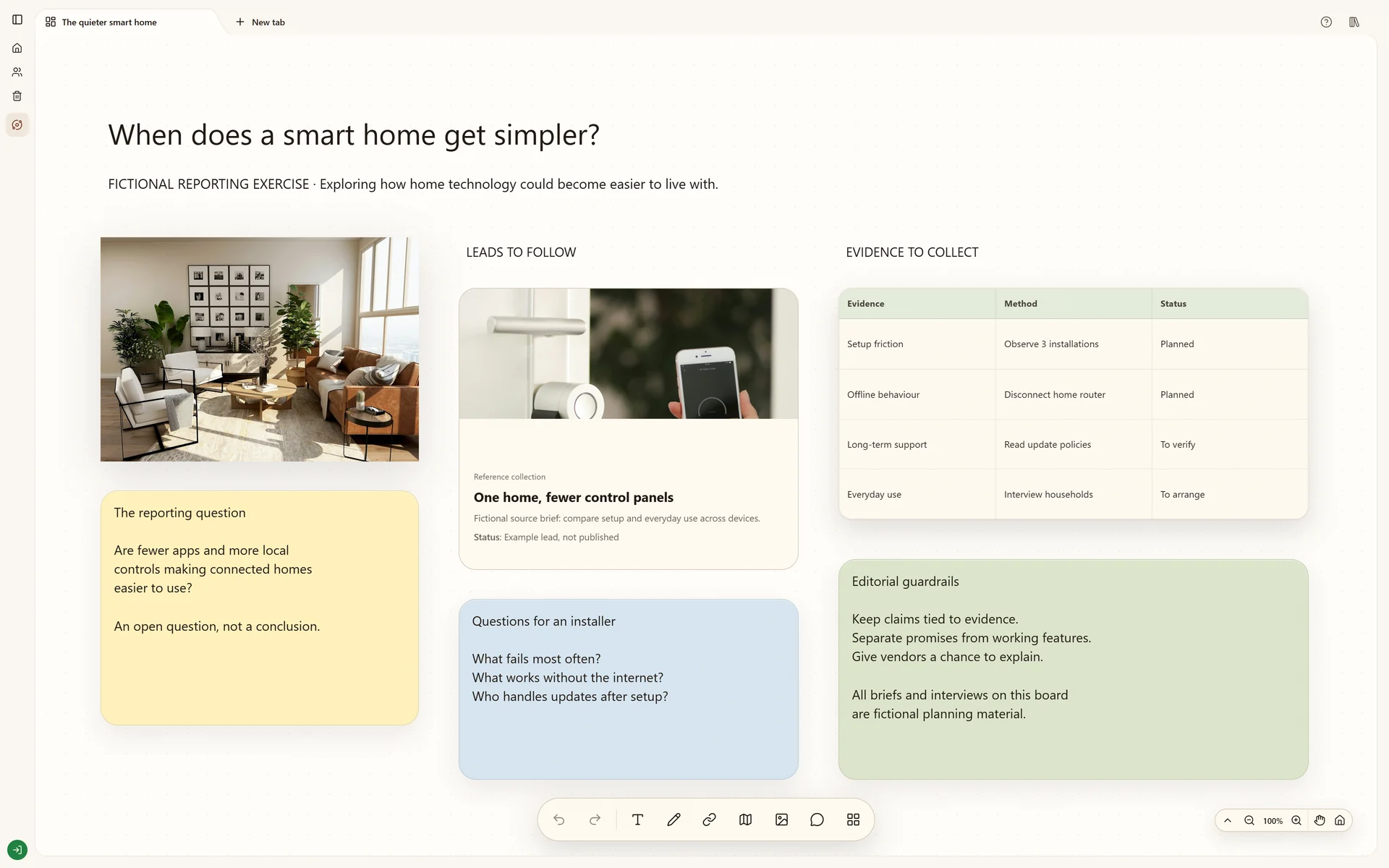
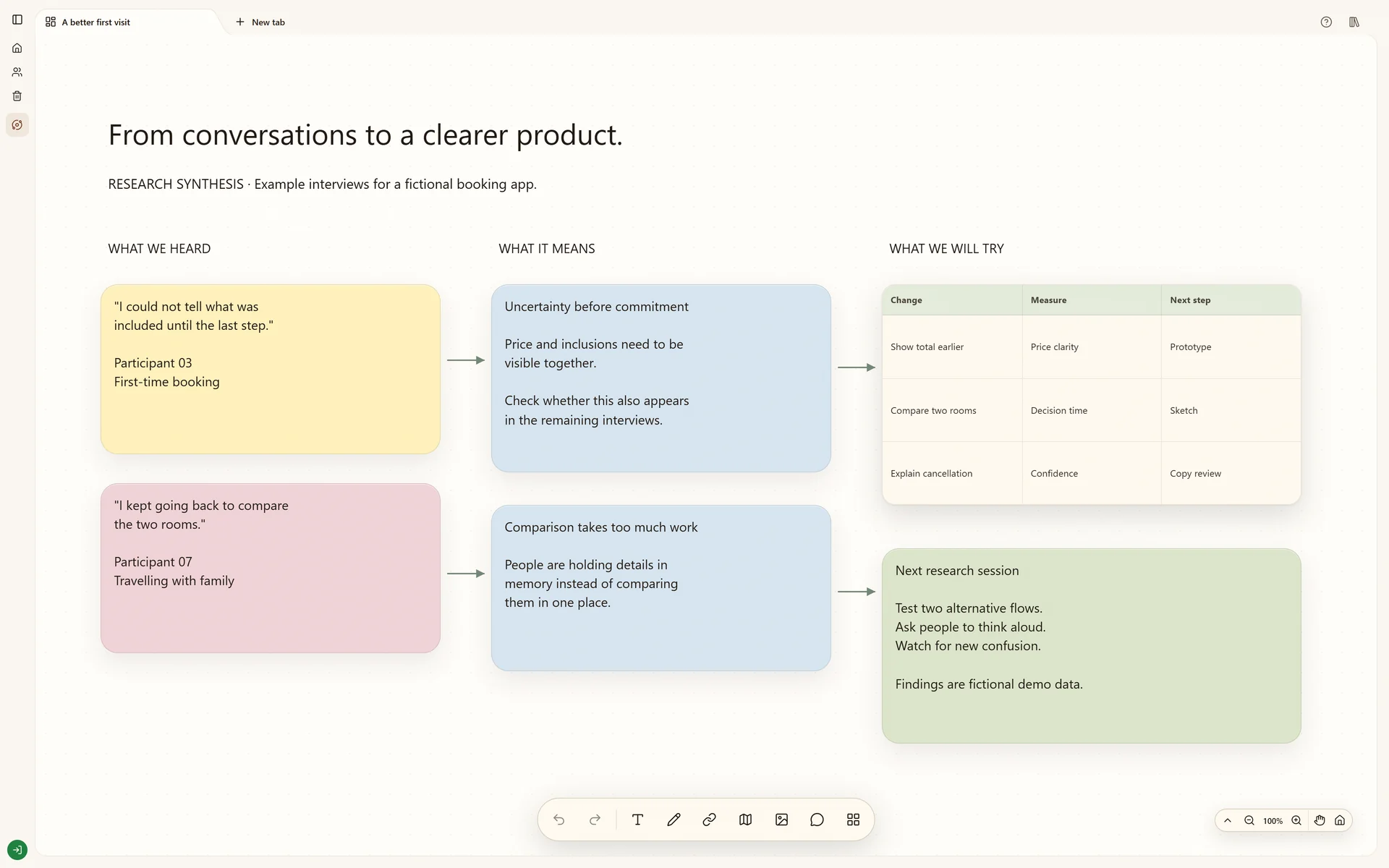
A study board is a canvas where the material for one subject or assignment is laid out so you can see how it fits together. Stashiro is a visual board for that work: notes, links, images, voice notes and connectors on an infinite canvas, free in your browser without an account.
Your course platform holds the assignments and your word processor holds the essay. The board is where you sort the reading, connect the ideas and plan the argument before you write.
Create a Space for the course with a board per module or assignment. Local boards work right away in the browser, no account needed.
Paste reading links, lecture slide screenshots and your own notes. Record a voice note when an idea comes up after class.
Group notes by topic, draw arrows between ideas that build on each other and mark what you still do not understand.
Lay out the argument as a column of notes, one per paragraph, with the sources for each placed beside it.
Free to start
Open a board in the browser and start working. It stays in that browser, up to 100 MB, until you choose to transfer it to a cloud account.
Open a free boardConcept maps
Draw connectors between notes to build a concept map. Arrows stay attached when you move cards, so you can rearrange freely.
Organize research linksFind it before the exam
Search reads card text, tags and the kept text of saved pages, so a quote from week two is still easy to find.
See research boardsStudy together
On a paid plan, invite classmates to view, add sources or edit, and leave comments beside the notes you are discussing.
See shared boardsMind maps
Start from a central topic and branch it into subtopics with a layout that keeps the map tidy.
See boards for writersLecture files
Drop lecture PDFs and handouts on the board and read them in place, beside your notes.
See research boardsFree local boards for every subject. Pay only if you want the cloud, sync and sharing.
Free
No account. Boards stay in this browser until you transfer them.
4.79 EUR per month
Cloud boards without built-in AI.
8.99 EUR per month
Cloud boards with Stashiro AI.
10.99 EUR per month
Plus with more storage and AI credits.
Eligible new subscribers get a 14-day trial. Prices are shown in EUR; current prices, regional currencies and annual plans are on the pricing section.
Worked examples show the real Stashiro interface with fictional project data, and some include a starter board you can download and import. Templates open as a new board you can edit.
Sources, questions and connected research on one board.
Research notes, source material and decisions on an evidence board.
Topics, sessions and practice for the weeks before an exam.
Branches of ideas around one topic.
Papers grouped by theme, with the gaps and your argument.
Notion has a free plan with a large template library, Padlet is common in classrooms and has phone apps, and Heptabase is built for deep study notes. Here is where each one stands for studying, including the rows where Stashiro is not the best pick.
| Need | Stashiro | Notion | Padlet | Heptabase |
|---|---|---|---|---|
| Free-form canvas for images, links and notes | Yes | No | Yes | Yes |
| Start a board without an accountLocal boards open in the browser and stay there until you transfer them. | Yes | No | No | No |
| Save web pages with a browser extensionChrome and Edge, on paid plans. | Yes | Yes | Yes | Yes |
| Built-in AI that drafts or edits the workStashiro AI lays out and edits boards on Plus and Studio, with a preview before anything is applied. | Yes | Yes | Yes | Yes |
| Free cloud planFree boards stay in your browser. Cloud boards start at the Starter plan. | No | Yes | Yes | No |
| Native phone apps in the app storesStashiro runs in the phone browser, and the Telegram bot sends links, photos and voice notes to a board. | No | Yes | Yes | Yes |
| Large template libraryAbout 80 templates in 26 categories. | Partly | Yes | Yes | Partly |
| Long documents and databasesDoc cards with a block editor, beside the board. | Partly | Yes | No | Partly |
Verdicts for other tools come from their official product, pricing and help pages. No means those pages do not describe the feature, not that we tested it. Each full comparison lists its sources.
Yes, for local boards: they are free, need no account and stay in your browser. Cloud boards, sync, sharing and Stashiro AI need a paid plan, from 4.79 EUR per month for Starter.
Local boards live in the browser's storage, so clearing site data removes them. Export a board as a file from the sidebar to keep a copy, or transfer it to a cloud account.
Yes, in the phone's browser. There is no app in the phone stores. On Plus and Studio, the Telegram bot sends links, photos and voice notes to a board.
No. Stashiro helps you collect and organize material and plan the argument. On Plus and Studio, Stashiro AI can draft and arrange cards, but the essay is yours to write.
Yes, on a paid cloud plan. Invite classmates to view, add sources or edit, and discuss notes in comments.
No. Keep the source link on each card, and use a reference manager such as Zotero for the bibliography.
A teacher can share a cloud board with students who have accounts. Stashiro has no class rosters, grading or assignment tools.
Open a free local board in your browser now. No account needed.